
Redlining, Reimagined
Easily manage document versions, generate instant redlines, and confidently merge changes from multiple contributors.
Compare Makes
Precision Convenient
Precision
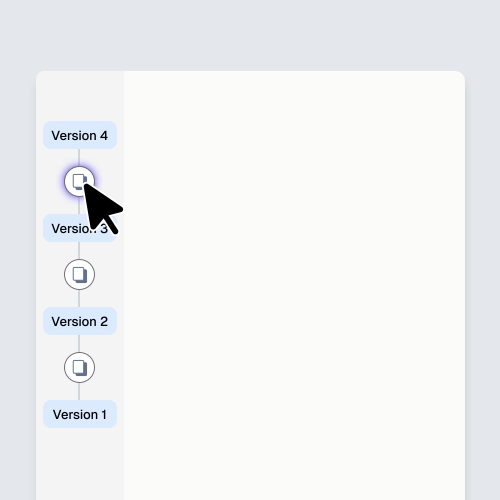
Replace document chaos with instant visual clarity. Version Story makes every draft, redline, and edit easily accessible, so you never waste time tracking down versions again. See your document’s full history at a glance—clearly organized, visually intuitive, and effortlessly navigable.
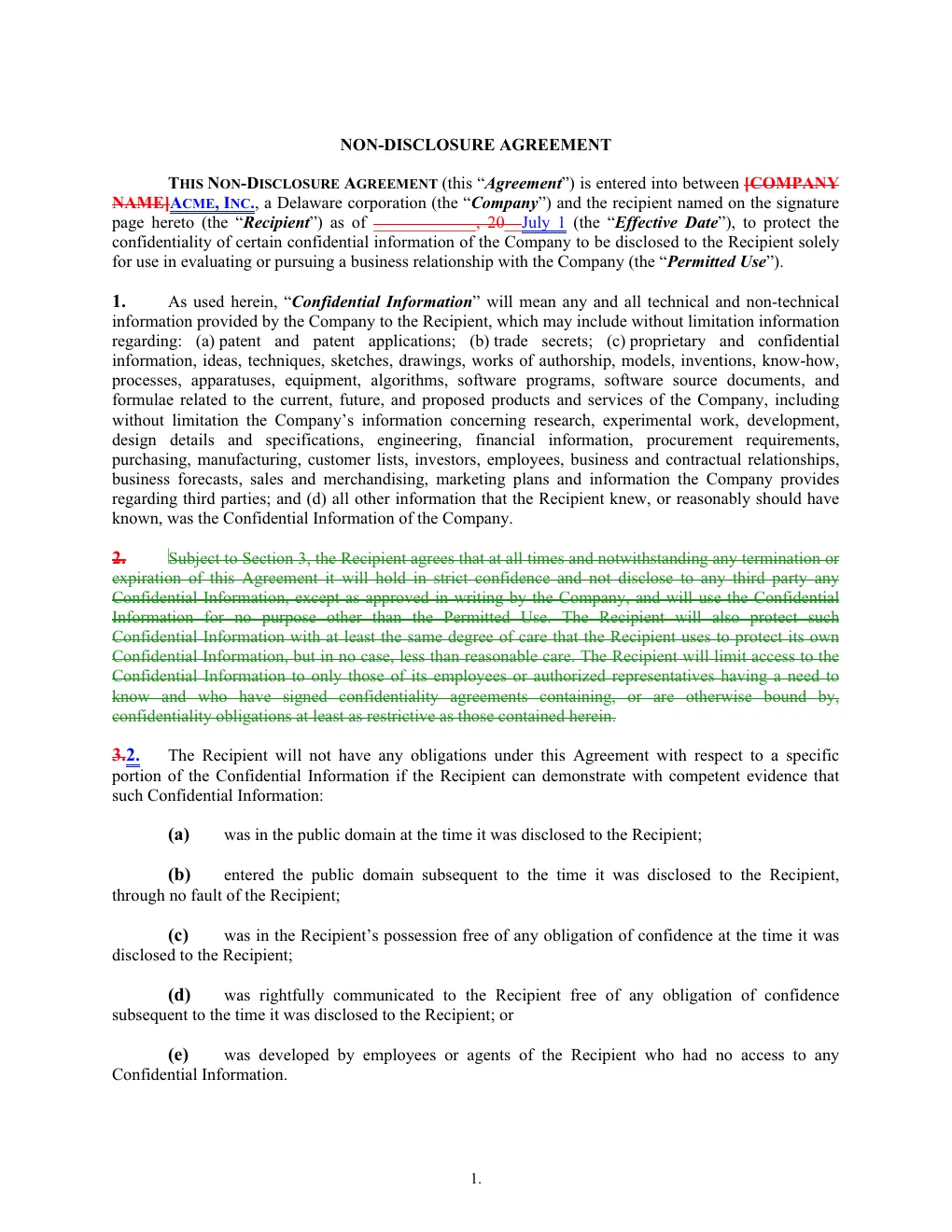
Confidence
Always know precisely where you are in your drafting and negotiation process. Version Story removes any uncertainty by clearly identifying the latest document version and showing exactly what’s changed along the way. Provide guidance and respond to stakeholders confidently, knowing nothing has been overlooked.
Convenience
Version Story works wherever you do. Start a comparison from any browser on any device, and pick it up exactly where you left off. No installs, no IT tickets, no learning curve—drop in documents and go.
Precision in
Every Element
Version Story redlines Word and PDF to the highest standards of precision — down to the footnote, the cross-reference, and the scanned page.
Upload Formats
- Word docs to PDF docs
- PDF docs to PDF docs
- Word docs to Word docs
- Scanned PDF docs (OCR capabilities)
Export Formats
- PDF with changed-pages-only
- PDF with the full document
- Word with tracked changes
- … with a changes summary page at the end
Paragraphs
- Changes to words and characters within a paragraph
- Insertions or deletions of whole paragraphs
- Numbering changes
Tables
- Changes to text within a table cell
- Insertions or deletions of cells, rows, or columns
- Numbering changes
Section Cross References
- Changes to the number or letter of the referenced provision
- Linking preserved
- Formatting preserved
Table of Contents
- Changes to name, number, or page number of sections
- Linking preserved
- Formatting preserved
Comments
- Changes to text within a comment
- Insertions or deletions of whole comments or threads
Headers & Footers
- Changes to words and characters
- Insertion or deletion of elements (e.g., page numbers)
Footnotes & Endnotes
- Changes to text within a footnote or endnote
- Insertion or deletion of whole footnotes or endnotes
“I switched from Litera and never looked back. The sheer volume of edits on a complex deal makes keeping track a pain. With Version Story it's painless.”
